
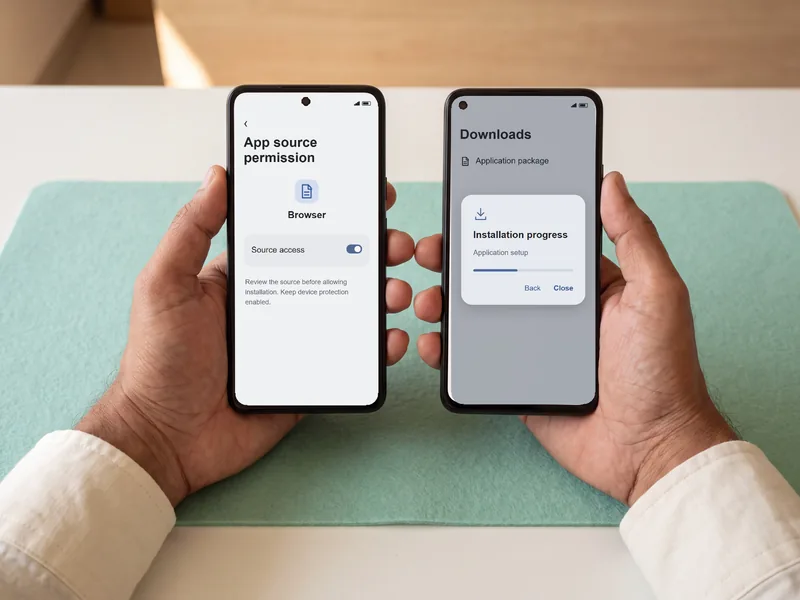
Start with a Saved Download for Android
Use the official website file when the app is absent from the store. Wait for saving to finish before opening it.
The application download information covers the file; the instructions here concern decisions on your phone.
Read the Message at the Point Setup Stops
An unopened copy calls for a transfer-completion check. If the installer starts then stops, inspect its message and available storage; free space when required before another attempt.
General compatibility extends to most modern Android devices. For a failure after installation, reopen the software and read any compatibility message. Report the stage and error without passwords or verification codes.
The iPhone installation page covers the other platform, whose setup uses a different method.
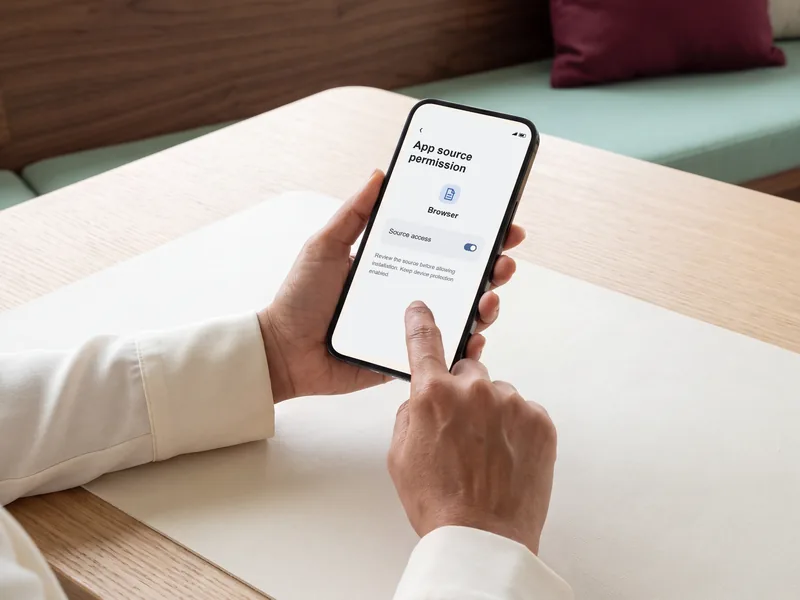
Original interface illustration.
What the Controls Mean When You Install
On a modern Android device, the source is the browser or file manager opening the copy. A prompt may take you into that program's settings; Allow from this source is one documented control. Older versions may expose a broader unknown-sources setting.
Keep Play Protect and other device security checks enabled. If the phone rejects installation, investigate the warning before attempting to install again.